PRIMITIVE
Stencil
Cut an element to a shape a corner radius cannot make. Six ship, they scale with the box, and the seventh is whatever you draw yourself.
The six
One picture, six shapes. Every one is a clip-path written in percentages or a token, so it holds at a 90px thumbnail and a full-bleed band alike.
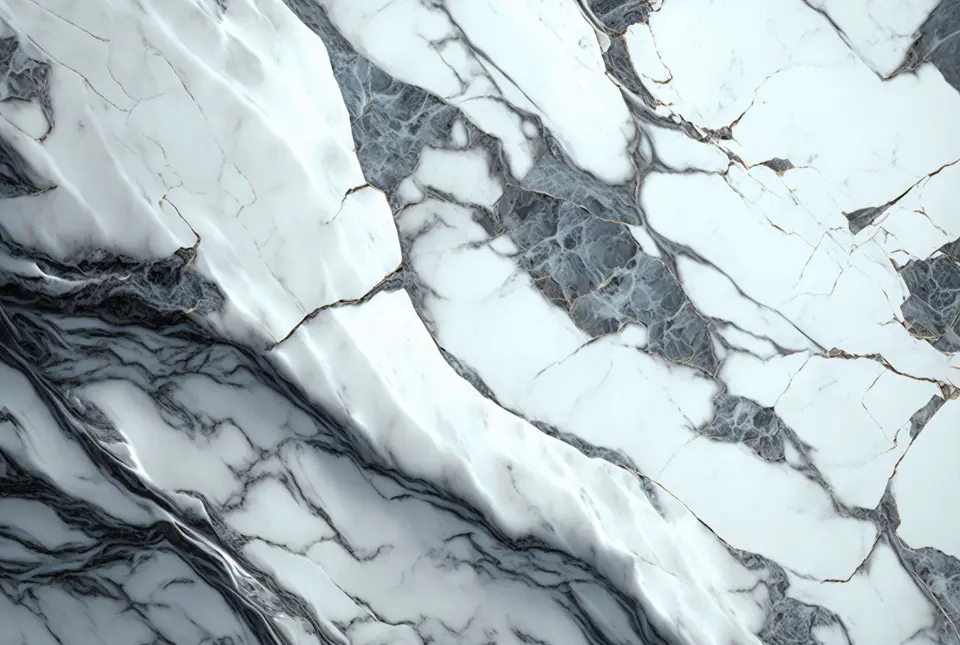
<!-- One picture, six shapes. The sizing is the same on all six and belongs to
     the image rather than to the stencil: a clip cuts whatever box it is given
     and has no opinion about how big that box is. -->
<figure style="margin:0">
  <img class="stencil-notch" src="/scenery/marble.webp" alt="White marble with grey veining" style="inline-size:100%; aspect-ratio:4/3; object-fit:cover" />
  <figcaption class="placeholder-caption">stencil-notch</figcaption>
</figure>

<figure style="margin:0">
  <img class="stencil-corners" src="/scenery/marble.webp" alt="" style="inline-size:100%; aspect-ratio:4/3; object-fit:cover" />
  <figcaption class="placeholder-caption">stencil-corners</figcaption>
</figure>

<figure style="margin:0">
  <img class="stencil-arch" src="/scenery/marble.webp" alt="" style="inline-size:100%; aspect-ratio:4/3; object-fit:cover" />
  <figcaption class="placeholder-caption">stencil-arch</figcaption>
</figure>

<figure style="margin:0">
  <img class="stencil-leaf" src="/scenery/marble.webp" alt="" style="inline-size:100%; aspect-ratio:4/3; object-fit:cover" />
  <figcaption class="placeholder-caption">stencil-leaf</figcaption>
</figure>

<figure style="margin:0">
  <img class="stencil-slant" src="/scenery/marble.webp" alt="" style="inline-size:100%; aspect-ratio:4/3; object-fit:cover" />
  <figcaption class="placeholder-caption">stencil-slant</figcaption>
</figure>

<figure style="margin:0">
  <img class="stencil-chevron" src="/scenery/marble.webp" alt="" style="inline-size:100%; aspect-ratio:4/3; object-fit:cover" />
  <figcaption class="placeholder-caption">stencil-chevron</figcaption>
</figure>
Or one of your own
A clipPath in objectBoundingBox units, referenced by --stencil. There is no second mechanism to learn — the named shapes set the same property.

A stencil cuts an element, not an image. Anything you can draw, you can cut this shape out of.
<!-- Your own shape, in the one unit that scales: `objectBoundingBox` reads
     every coordinate as a fraction of the element, so this path fits a 90px
     thumbnail and a full-bleed band without being redrawn. -->
<svg aria-hidden="true" width="0" height="0" style="position:absolute">
  <clipPath id="torn-foot" clipPathUnits="objectBoundingBox">
    <path d="M0,0 H1 V0.80 C0.82,0.97 0.63,0.74 0.44,0.88 C0.27,1 0.13,0.83 0,0.93 Z" />
  </clipPath>
</svg>

<!-- On a photograph… -->
<img class="stencil" style="--stencil:url(#torn-foot); inline-size:100%; aspect-ratio:16/10; object-fit:cover" src="/scenery/newsprint.webp" alt="Rolled newspapers" />

<!-- …and on a plain filled panel, because a clip has no idea what is inside it. -->
<div class="stencil" style="--stencil:url(#torn-foot); background:var(--ds-cream); color:var(--ds-ink-on-cream); padding:var(--ds-pad-card); padding-block-end:calc(var(--ds-pad-card) * 3); margin-block-start:24px">
  <span class="section-head-kicker">THE SAME PATH</span>
  <p class="placeholder-caption" style="color:inherit">A stencil cuts an element, not an image. Anything you can draw, you can cut this shape out of.</p>
</div>
On a scene, which is what it is mostly for
The shape goes on the picture, never on the section. Clip the band itself and the headline is cut with it.
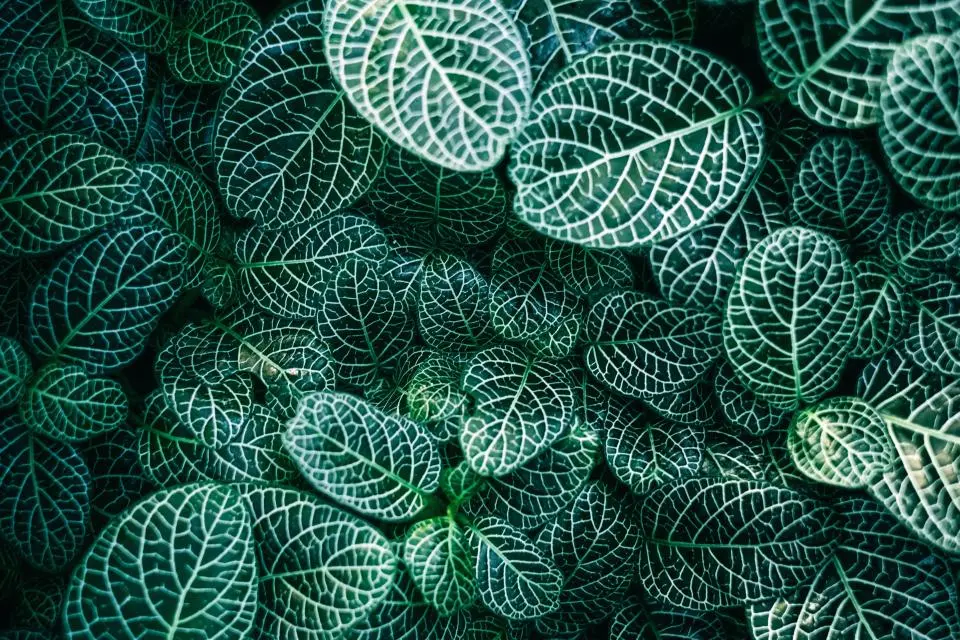
Under glass, all year.
Corners cut, and faded out under the copy. Two independent decisions on one image, and neither knows about the other.
<!-- The shape goes on the PICTURE, never on the section: clip the band itself
     and the headline is cut with it.

     And a stencil cuts the picture's whole box, which here is the whole band —
     so pick a shape whose edges land where the picture actually shows. Corners
     do; a slant would put its deep end under the fade, where nobody sees it. -->
<section class="hero scene scene-lead shell" style="width:100%; --hero-pad:var(--ds-pad-section)">
  <img class="scene-media stencil-corners" src="/scenery/fronds.webp" alt="" loading="lazy" style="--stencil-cut:2.5rem" />
  <div class="hero-body">
    <div class="section-head">
      <span class="section-head-kicker section-head-kicker-quiet">THE GREENHOUSE</span>
      <span class="section-head-rule"></span>
    </div>
    <h2 class="hero-title">Under glass, all year.</h2>
    <p class="hero-lede" style="max-inline-size:26ch">Corners cut, and faded out under the copy. Two independent decisions on one image, and neither knows about the other.</p>
  </div>
</section>
Reference
Read from primitives/stencil.css when this page was built, so it cannot fall behind the stylesheet.
.stencil.stencil-notch.stencil-corners.stencil-arch.stencil-leaf.stencil-slant.stencil-chevron--stencil-cut — falls back to --ds-stencil-cut--stencil-arch — falls back to --ds-stencil-arch--stencil-leaf — falls back to --ds-stencil-leaf--stencil-slant — falls back to --ds-stencil-slant--stencil-point — falls back to --ds-stencil-pointNotes
This is the one mistake everybody makes once, and it does not look like a unit problem. The default is userSpaceOnUse, which reads your path as absolute pixels — so a shape drawn on a 0-to-100 grid clips the top-left hundred pixels of a 900px hero and reads as a broken image.
With objectBoundingBox every coordinate is a fraction of the element, 0 to 1, and the same path fits any box. clip-path: path("…") has the identical problem and no way out — it takes user units only — which is why the recipe above goes through a <clipPath>.
Shape already says circle, and pill, in the file where a theme decides how sharp this design is. A stencil-circle beside --ds-radius-round would be a second spelling of one decision, and two spellings of one decision drift.
So the line is easy to hold: if a border radius can draw it, a border radius draws it. A stencil is for the rest — the mitre, the octagon, the arch, the diagonal, the point.
Put a stencil on a frame and the hairline follows the box while the clip follows the shape, so you get a border along the straight edges and none along the curve. It looks like a bug and it is arithmetic. Cut the picture, not the frame around it.
The same reasoning keeps it away from anything focusable: a clip cuts the element and everything inside it, focus ring included. Frame records the same finding about overflow: hidden clipping a ring into stubs — this one clips it into whatever shape you asked for.
polygon() has no logical form — there is no inline-start in a coordinate list — so stencil-notch cuts the top right corner in every writing mode. Everything else here is symmetric on that axis and does not care. A right-to-left page that wants it mirrored sets --stencil to the flipped polygon, which is one line and is exactly what the escape hatch is for.
--stencil-cut is a length and the other four are percentages, and that is not untidiness. A corner cut travels on both axes at once, and a percentage is read per axis — 5% of the width and 5% of the height are two different distances, so a percentage turns a mitre into a slope on anything that is not square. The other four travel on one axis only, where a percentage is exactly right and keeps the shape at every size.
The five depths are. The polygons are not, and the difference is what makes the knobs work: a custom property is substituted where it is declared, so a --ds-stencil-notch sitting at :root would resolve its var(--stencil-cut) against the root and inherit the answer. An instance asking for a deeper cut would move nothing at all.
It is the same trap --ds-veil taught the theme files and the corner ladder taught the subtrees, one vocabulary further down. Assembling the shape on the element is what puts it back within reach.