MODULE
Walkthrough
How something goes, one picture at a time. A numbered run of media panels with a caption under each — for the steps somebody has to see rather than the steps they have to do.
Still, then clip, then a step you have not shot
All three panels are the same box at the same ratio, so you can build the sequence before the screenshots exist and swap them in one at a time.
-
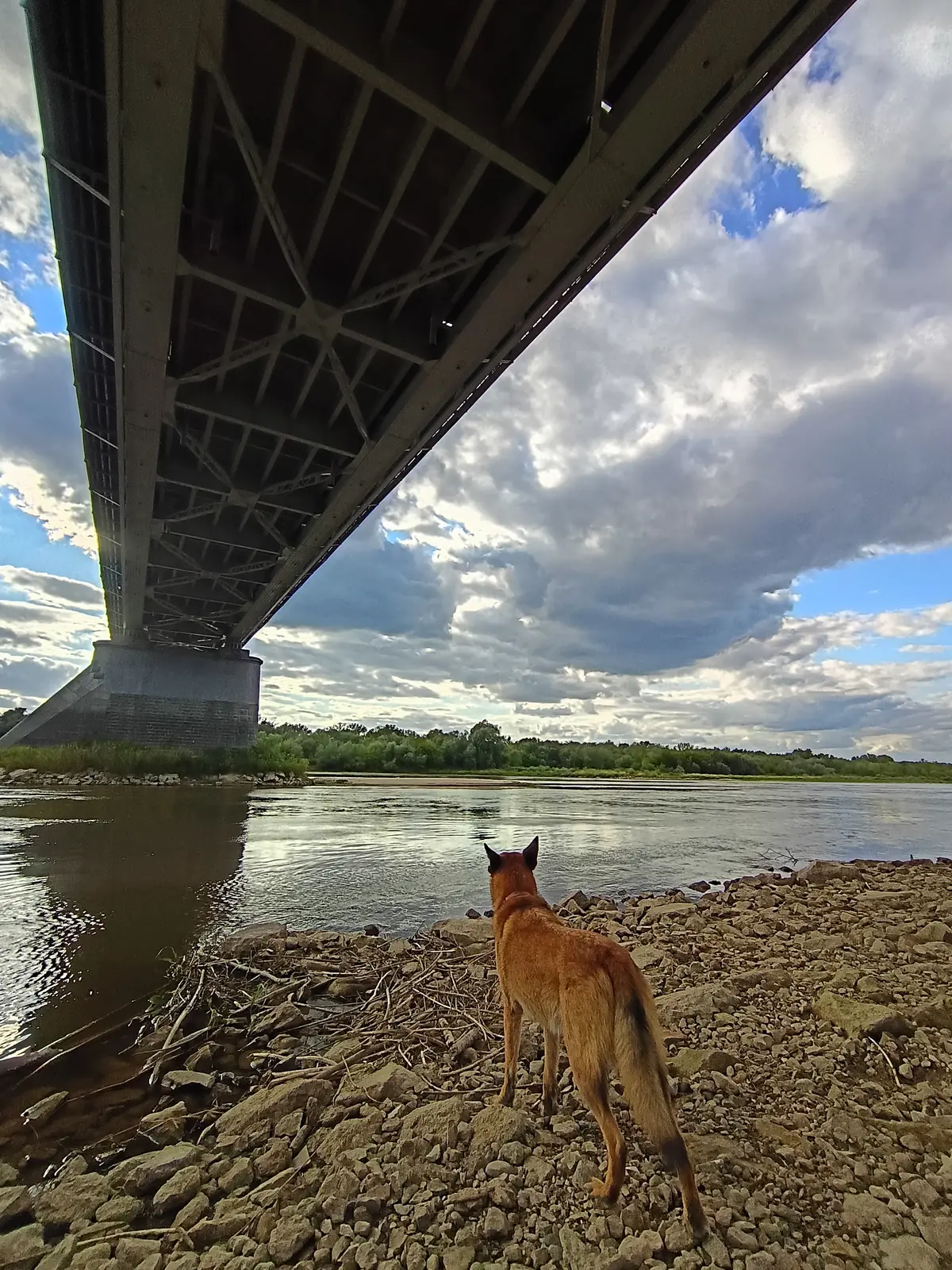
01 Start with the thing itself
A still, at whatever ratio the step wants. The picture is the argument here; this sentence is only the caption underneath it.
-
02 Then show it moving
The same slot takes a clip instead, and nothing about the step changes — a frame and a clip are already the same box at the same ratio.
-
FINAL RESULT not shot yet
03 And a step you have not shot yet
A placeholder holds the same footprint, so you can write and review the whole sequence before the last screenshot exists.
<ol class="walkthrough">
  <li class="walkthrough-step">
    <div class="walkthrough-media">
      <span class="frame" style="--ratio:16/9">
        <img src="/gallery/rico-05.webp" alt="Under the girders of a steel road bridge, a small dog on a wide stony riverbank." loading="lazy" />
      </span>
    </div>
    <p class="walkthrough-head">
      <span class="walkthrough-index">01</span>
      <span class="walkthrough-title">Start with the thing itself</span>
    </p>
    <p class="walkthrough-body">A still, at whatever ratio the step wants. The picture is the argument here; this sentence is only the caption underneath it.</p>
  </li>

  <li class="walkthrough-step">
    <div class="walkthrough-media">
      <div class="frame clip" x-ds-clip data-label-play="Play the clip" data-label-pause="Pause the clip">
        <video muted loop playsinline preload="none" loading="lazy" poster="/clips/grid.avif" controls>
          <source src="/clips/grid.webm" type="video/webm" />
          <source src="/clips/grid.mp4" type="video/mp4" />
        </video>
        <button class="clip-toggle" type="button" hidden></button>
      </div>
    </div>
    <p class="walkthrough-head">
      <span class="walkthrough-index">02</span>
      <span class="walkthrough-title">Then show it moving</span>
    </p>
    <p class="walkthrough-body">The same slot takes a clip instead, and nothing about the step changes — a frame and a clip are already the same box at the same ratio.</p>
  </li>

  <li class="walkthrough-step">
    <div class="walkthrough-media">
      <div class="placeholder" style="--ratio:16/9">
        <span class="placeholder-kicker">FINAL RESULT</span>
        <span class="placeholder-note">not shot yet</span>
      </div>
    </div>
    <p class="walkthrough-head">
      <span class="walkthrough-index">03</span>
      <span class="walkthrough-title">And a step you have not shot yet</span>
    </p>
    <p class="walkthrough-body">A placeholder holds the same footprint, so you can write and review the whole sequence before the last screenshot exists.</p>
  </li>
</ol>
Which one to reach for
Process list is a numbered sequence of sentences. This is a numbered sequence of pictures, with sentences under them. Reach for that one when the steps are things somebody does, and for this one when the steps are things they would have to see to believe.
Reference
Read from modules/walkthrough.css when this page was built, so it cannot fall behind the stylesheet.
.walkthrough.walkthrough-step.walkthrough-media.walkthrough-head.walkthrough-index.walkthrough-title.walkthrough-body--walkthrough-gap — falls back to --ds-walkthrough-gap--walkthrough-inset — falls back to --ds-walkthrough-inset--ds-accent--ds-font-body--ds-font-display--ds-gap-inline--ds-hairline--ds-ink--ds-ink-soft--ds-measure--ds-rule--ds-text-label--ds-text-lead-sm--ds-text-small--ds-track-key--ds-weight-displayNotes
Every "how it works" section on the web zig-zags — media left, then media right. It looks lovely with an illustration in it and it puts your picture in half the width, which is not enough to read a screenshot of an editor. The thing the picture exists to show becomes the thing nobody can make out. Here, where the media is the argument, a full-measure picture with its caption beneath is worth more than a rhythm.
That is an answer about this component and not a verdict on the pattern. Feature band alternates on purpose: a picture that supports a paragraph is a different job from one that replaces it, and six bands without the zig-zag read as a wall.
It also removes the reason for a breakpoint. Nothing here has two layouts, so nothing here has to ask how wide anything is.
A frame for a still, a clip for a short silent loop, a placeholder while the real thing does not exist. All three are already the same box at the same ratio, so a step can change from a stand-in to a screenshot to a loop and the layout never notices.
It is an <ol>, so it stays a numbered list for anything reading it — but the browser's own marker is very nearly unstyleable and reads "1." where this wants "01". So the marker goes and you write the index yourself. If the two ever disagree, you have said one thing in the markup and another on the page, and only you can decide which one you meant.